
What does “safe” mean for SKlauncher?
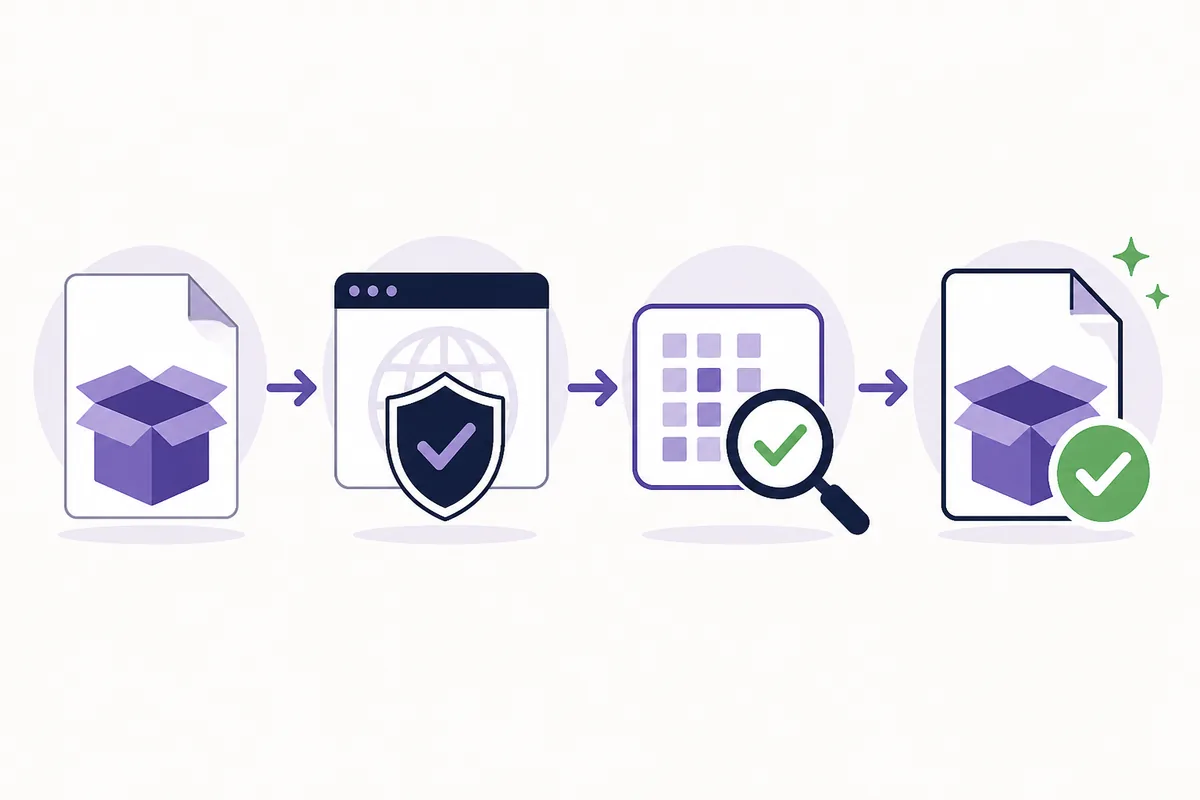
“Safe” is not one test. A careful answer asks whether the file came from the expected publisher, whether it is the right platform build, whether its hash matches a trusted listing, what the operating system requests at first launch, and whether the account behavior matches the service you intend to use.
A clean result in one check does not prove that every mirror, old build or repackaged bundle is harmless. This page therefore gives you a repeatable verification process instead of promising that every SKlauncher download is automatically safe.
- Treat the official download page as the starting point, not a search ad or file mirror.
- Keep the launcher, Minecraft license and Microsoft account as separate security questions.
- Do not disable Windows Security, macOS protections or your normal endpoint controls to force an install.
Short answer
SKlauncher may be a reasonable launcher when the source and file are verified. No website can prove that an unknown mirror or modified bundle is safe with a label alone.
Check the source before you download
Start at the official SKlauncher downloads page or the first-party SKlauncher website. Check the address bar yourself and avoid search results that redirect through a countdown, “unlock” page or unrelated file host.
The official source is useful evidence about where a file is published; it is not a substitute for checking the exact file and your computer’s response. A page that claims to be an official Android APK, cracked launcher or bundled password tool is outside this site’s download scope.
Open a first-party page
Type or bookmark skmedix.pl or sklauncher.pl, then navigate to the download page. Do not rely on a shortened URL or a copied button from a forum post.
Match the platform
Choose the Windows, macOS or Linux file you actually need. Reject a different extension, an unexpected installer name or a bundle that adds unrelated software.
Keep the original filename
Save the file without renaming it until you have checked its version, size and published hash. A filename alone is not proof, but unexplained changes are a reason to stop.
Verify the file you actually received
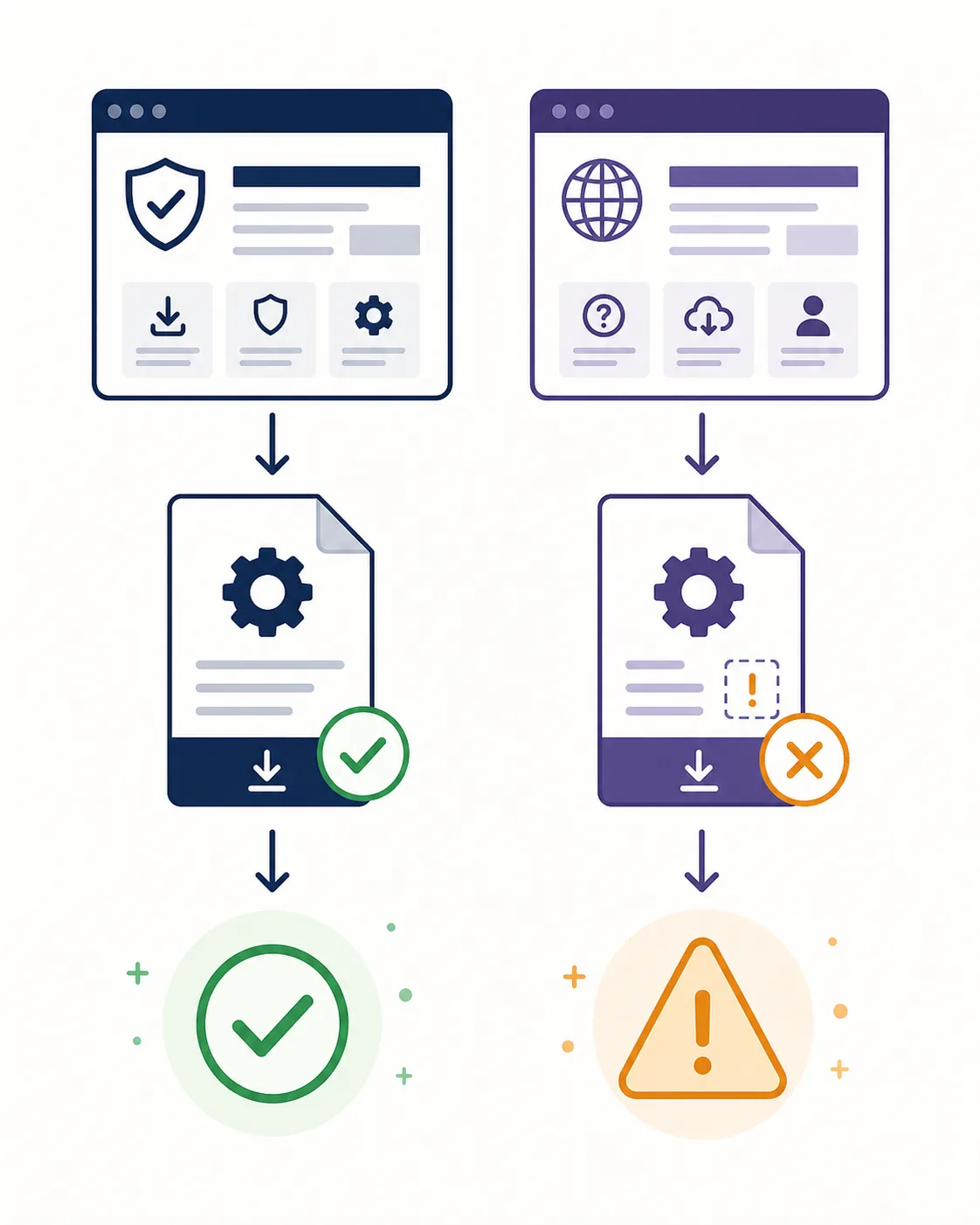
When the publisher provides a SHA-256 value, compare the complete hash for the exact file you downloaded. A matching hash supports file identity: it tells you the bytes match the published artifact. It does not prove that every future build, mirror or unrelated file is safe.
If no hash is published for a file, record that limitation instead of inventing a “verified” result. You can still check the source, filename, size, operating-system warning and endpoint-security result before deciding whether to continue.
| Check | What to compare | What it tells you |
|---|---|---|
| Source | skmedix.pl or another first-party page | Where the file was published |
| Platform | Windows, macOS or Linux and the expected extension | Whether the build fits your device |
| Version and size | The official listing and your local file | Whether the download looks complete |
| SHA-256 | The full published value and a local calculation | Whether the bytes match that artifact |
| Security response | Your OS and endpoint scanner prompts | Whether your computer sees an immediate warning |
Do not overclaim a hash
A matching SHA-256 is strong file-identity evidence, not a universal malware guarantee. Keep the source, hash and scan results together so another person can reproduce the check.
Review permissions and the first launch
Before opening a new installer, keep your operating system and endpoint protection updated. Use the normal user account you intend to run the launcher with, and do not follow instructions that ask you to disable security tools, paste unknown commands or install an unrelated “fix”.
Pause when the behavior does not match a launcher: an unexpected password request, a bundled browser extension, a different publisher name, a second installer or a request for broad administrator access should be investigated before you continue.
Scan and inspect
Let Windows Security, macOS security controls or your trusted endpoint tool inspect the file. Treat a warning as a stop signal until you understand the exact file and source.
Use least privilege
Run the launcher with ordinary permissions where possible. If an installer needs elevation, confirm the publisher, path and requested action before accepting.
Back up important worlds
Copy important Minecraft worlds and profiles before changing launchers, Java runtimes or game directories. Safety includes recoverability when a setup goes wrong.
Keep account and malware questions separate
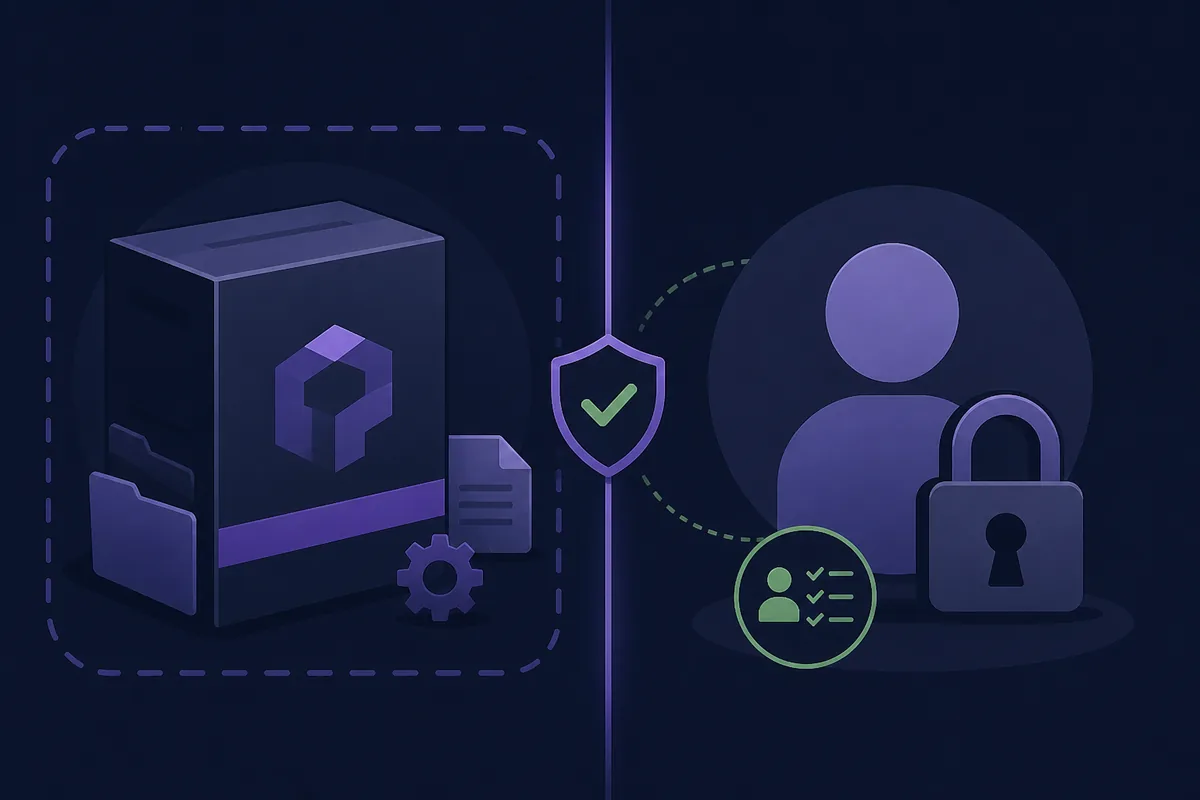
A launcher can manage profiles without being the same thing as Minecraft or a Microsoft account. An offline profile is a local launcher identity; it is not proof of game ownership and does not bypass a server’s authentication rules.
For normal authenticated play, use an account and game entitlement obtained through an official channel. Never share passwords or install a “safe login” tool offered by a mirror. If the launcher or a server asks for credentials in an unexpected place, stop and return to the official account page.
- Launcher safety: verify the program and its source.
- Account safety: use the official Microsoft sign-in flow and protect the account.
- Server safety: follow each server’s published authentication and access policy.
- License: a free launcher does not grant Minecraft ownership.
How to classify common SKlauncher download claims
Search results often compress different questions into one word: safe. Use the intent behind the claim to choose the right action. A question about a current file belongs on the official download page; a question about a virus needs source, hash and endpoint evidence; a question about a free launcher belongs on the licensing guide, not a cracked bundle.
| Claim or keyword | Best treatment | Why |
|---|---|---|
| is sklauncher safe | Use this page | Broad informational safety intent |
| sklauncher virus / malware | Use this page and verify the exact file | A virus claim needs evidence, not a badge |
| sklauncher download | Use the download page | Download intent is platform and version specific |
| is sklauncher free | Read the free/licensing guide | Cost and Minecraft ownership are different questions |
| SKlauncher APK | Do not use an unverified APK | The desktop Java launcher is not proof of an official mobile package |
When to stop
If the domain, publisher, file type, hash or security behavior cannot be explained, do not open the file. Find the first-party listing again and restart the check.
Our practical safety verdict
SKlauncher is not something a generic “safe” badge can prove. It can be a reasonable launcher choice when you use a first-party source, match the platform file, verify the published identity and keep normal account and endpoint protections enabled.
- Start at skmedix.pl or sklauncher.pl and check the hostname yourself.
- Compare platform, version, size and SHA-256 when the official listing provides them.
- Do not disable security controls or install an unrelated fix to make a download work.
- Treat offline profiles, Microsoft credentials and Minecraft ownership as separate questions.
- If a file or prompt is unexpected, stop instead of trusting a “virus-free” claim.
Is SKlauncher Safe? FAQ
Is SKlauncher safe to use?
It can be a reasonable desktop launcher when you download from a first-party source and verify the exact file. Safety is a process, not a blanket guarantee for every mirror or old build.
Does SKlauncher have malware?
A general yes-or-no claim cannot establish the status of every file. Check the source, file identity, published SHA-256 when available and your endpoint-security result for the specific build.
Is skmedix.pl safe for SKlauncher downloads?
The official SKlauncher download pages use skmedix.pl as a first-party source. Still check the hostname, platform, version and the file you received before opening it.
How safe is SKlauncher compared with a mirror?
A first-party listing gives you a clearer publisher and artifact trail. A mirror adds uncertainty unless it can be independently tied to the same published file and source.
Does a matching SHA-256 prove there is no virus?
No. It proves that your bytes match the published artifact. It is valuable file-identity evidence, but it is not a universal malware verdict.
Should I download an SKlauncher APK?
Do not assume a mobile APK is official because it uses the SKlauncher name. This site covers the desktop Java launcher and recommends using only a clearly verified first-party package.
Sources and verification
This guide uses current first-party information checked on August 7, 2026.
Official SKlauncher downloads Official SKlauncher website SKlauncher 4.0 binary release record Microsoft account security