
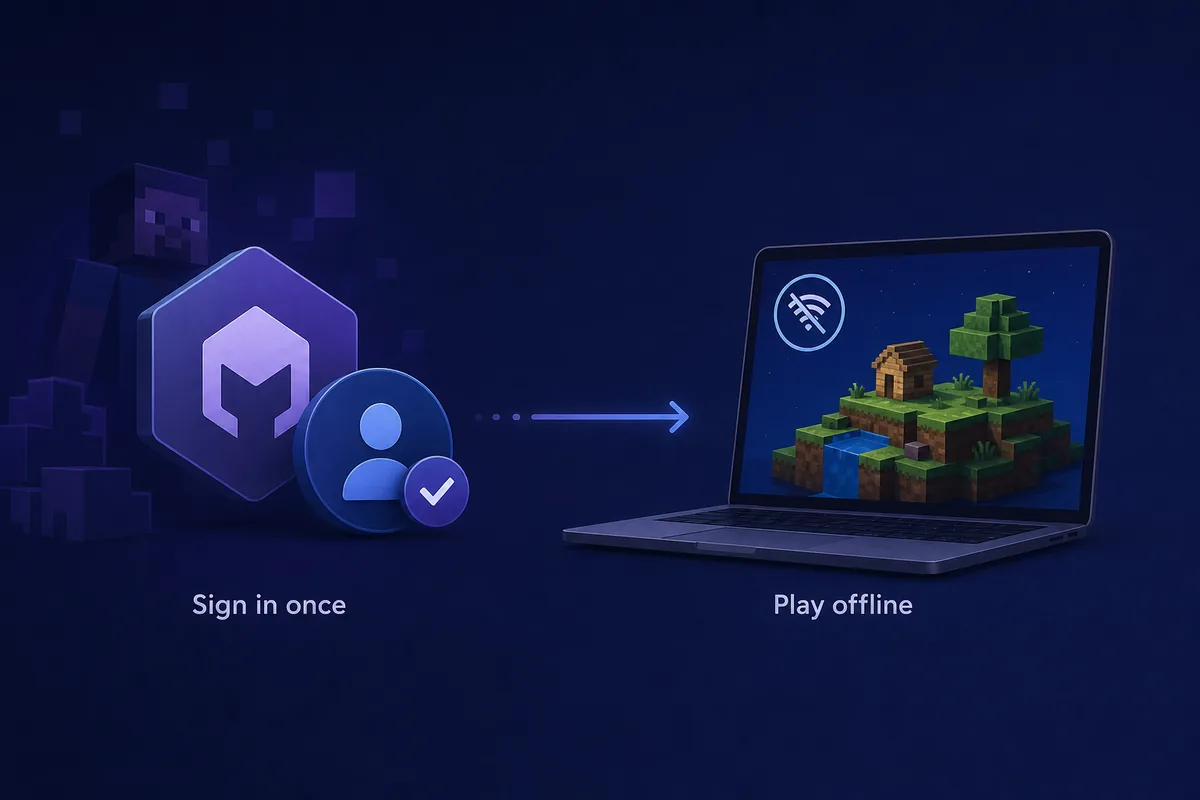
Can SKlauncher work offline?
Yes, a prepared SKlauncher installation may start a cached Minecraft profile without an active internet connection. That is a limited offline use case, not a promise that every launcher screen or every Minecraft version will work without a network. The launcher file, account state, Java runtime, game version, libraries, assets, mods and saves all have to be available locally.
A new installation normally needs internet access. You may need it to download SKlauncher, complete the supported account sign-in, retrieve Minecraft files, install Java components, resolve libraries, load a modpack, or update a profile. If a required file is missing, reconnecting is the correct first fix; deleting the profile or searching for an unofficial offline launcher is not.
- Offline launch is most reliable for a profile that has already opened successfully online.
- A cached profile can still fail if Java, a library, an asset or a mod was never downloaded.
- Offline mode does not grant Minecraft ownership or bypass a Microsoft account requirement.
- The exact menu wording can differ between the stable 3.2.18 line and the launched 4.0 line.
The practical answer
If the profile has launched successfully, its files are cached, and no account or server check is required, try the same profile offline. If this is the first launch or the error mentions login, missing assets or a download, reconnect before troubleshooting further.
What to finish while SKlauncher is online
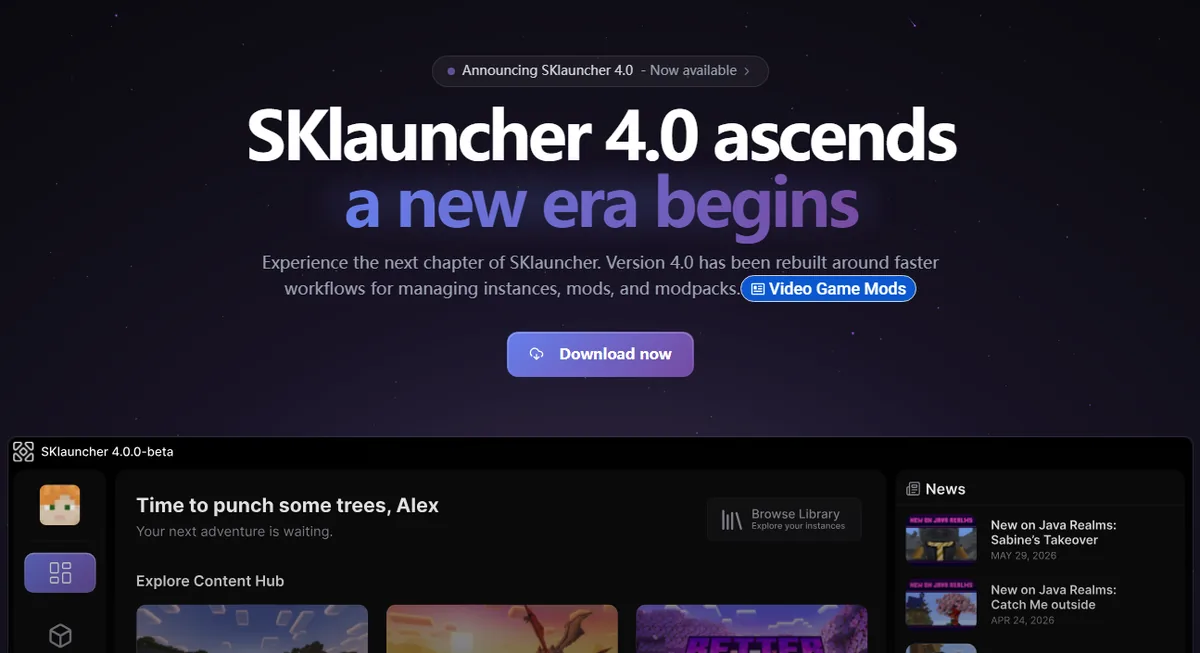
Use one stable, clean profile for the first test. The official SKlauncher download pages and the current 4.0 line can change their interface, but the dependency order remains the same: obtain the launcher from a first-party source, sign in through the supported account flow, select the intended Minecraft version, and let the profile reach the main menu once.
Do not assume that opening the launcher proves the game is ready offline. A launcher can open while the selected instance still needs a runtime, asset index, native library, loader dependency or modpack file. Test a small temporary world online, close the game normally, and keep the instance directory intact before disconnecting.
Download from the expected source
Use the official SKlauncher download page and confirm the platform file before running it. The stable download guide records the verified 3.2.18 files, while the 4.0 guide covers its separate channel.
Complete supported sign-in
Finish the account flow that your Minecraft profile requires. Never paste a password, session token or recovery code into a third-party offline tool.
Open the exact profile once
Select the game version, loader and instance you plan to use. Wait for the main menu and a temporary world rather than stopping at the launcher window.
Close and preserve the files
Exit normally, note the instance directory and back up important worlds. Do not move the profile or clear its cache before the offline test.
How to test a cached profile without internet
After the online preparation, disconnect in a controlled way: close the game, disable the network temporarily, then open SKlauncher and select the same instance. The goal is to test a known profile, not to force a brand-new profile through an error dialog. If the launcher asks for a fresh sign-in or starts downloading files, restore the connection and capture the exact message.
Start with a vanilla or lightly modified profile. Large modpacks, shader loaders and profiles that use changing authentication or remote content have more dependencies. If a cached profile starts, open a copied test world first and verify that saves, resource packs and controls work before touching an important world.
Select a previously successful instance
Use the same Minecraft version, loader and game directory that reached the main menu online.
Keep the test world disposable
Open a copy or temporary world so a failed migration, missing mod or corrupted save cannot damage the original.
Read the first failure line
If startup stops, record whether the message mentions authentication, Java, a download, a missing library, a mod or the network.
Reconnect before changing files
Restore internet access and retry the same profile before deleting caches, reinstalling Java or moving the instance directory.
Do not clear the cache first
Removing libraries, assets or the entire Minecraft directory can turn a small connectivity problem into a full re-download. Keep the original profile and logs until the cause is known.
Offline limits: what works and what still needs a connection
Offline access is a local-file condition. It says that the files needed by one prepared profile are already on the computer; it does not change the rules of Minecraft accounts, servers, mod authors or the launcher publisher. Treat every row below as a troubleshooting boundary rather than a guaranteed feature promise.
If you need a new game version, a new mod, a new account session or a remote server, plan to reconnect. The Minecraft version guide and modpack guide explain why each added component can introduce a new download or compatibility check.
| Situation | Offline expectation | Why |
|---|---|---|
| Opening the launcher | Usually possible | The launcher program is already installed |
| First installation or new profile | Usually not possible | Files, libraries, assets or account setup may be missing |
| Prepared singleplayer world | Often possible | Required game files and saves are local |
| New modpack, loader or shader | Not until cached | Dependencies and remote files must be downloaded |
| Public online server | Usually not possible | The server and its account, version and network rules still apply |
| LAN play | Local network still required | LAN is not the same as playing with no network at all |
Offline is not an account bypass
Do not use an unofficial launcher, cracked account flow or renamed APK to avoid sign-in. This guide covers prepared local play only and does not provide account, license or server-rule bypasses.
Fix SKlauncher offline launch failures
The error wording usually identifies the layer that failed. A login or invalid-session message points to account state; a download or missing-library message points to cached files; a Java or native-library message points to the runtime or platform; and a server timeout is a multiplayer network problem. Reconnect once and retry the same profile before making destructive changes.
For a launcher that will not open, use the SKlauncher installation guide and Java requirements guide. For a button that remains on Loading or a download that never completes, use the stuck-download troubleshooting page. Keep the exact error, instance version and latest log together.
- Login or invalid session: reconnect, sign in through the supported flow, close the game, and relaunch the same instance.
- Missing asset, library or mod: reconnect and let the exact profile finish downloading; do not copy random files from another instance.
- Java or native-library error: confirm the runtime and CPU architecture, then compare the profile with the Java requirements guide.
- Profile vanished: check the configured game directory and backup before importing or recreating anything.
- Only multiplayer fails: test a local singleplayer world, then check the server address, version, loader, authentication and server status.
Evidence beats guesswork
Record the first visible error, the profile version, the launcher version, whether the profile worked online, and the last successful launch. That sequence distinguishes a missing download from a Java, account or server problem.
Can SKlauncher offline mode join servers?
Do not treat an offline launch as permission to join every Minecraft server. Public multiplayer can require an authenticated Microsoft session, a matching game version, a particular loader or modpack, and a network path to the operator's server. The server's own rules decide whether offline-mode clients are accepted, and SKlauncher cannot override those rules.
For a server problem, first start a cached singleplayer world. If singleplayer works, the launcher and local profile are probably healthy; continue with the address, port, version, mods, authentication and server status. The SKlauncher servers guide covers those multiplayer boundaries without presenting account bypasses or cracked-server lists.
- Use the exact server hostname and port published by the operator.
- Match the server's Minecraft version and loader before changing the launcher profile.
- Keep account credentials and session tokens private; never send them to a server operator.
- Test a clean local profile when you cannot tell whether the failure is multiplayer or offline startup.
LAN is different
A LAN world still uses a local network. It may not need public internet, but it is not an offline-with-no-network scenario.
Safe offline checklist for SKlauncher
Use offline access as a continuity feature for a prepared local profile, not as a replacement for updates, backups or supported account access. Keep one known-good instance, a copy of important worlds and the official download page available. When an update is needed, reconnect and read the current platform or release notes before replacing a working profile.
The stable download reference and the separate SKlauncher 4 line were checked against first-party sources on August 2, 2026. Version freshness matters because a new launcher, Minecraft release, Java runtime or modpack can change which files need to be cached. See the SKlauncher 4 release guide when you are testing a different channel.
- Finish one online launch before planning offline play.
- Back up worlds outside the active instance directory.
- Keep launcher, Minecraft, loader, Java and modpack versions recorded.
- Reconnect for missing files, new versions, account prompts and remote servers.
- Use official sources and do not install an APK, cracked launcher or token-collection tool.
When to stop testing offline
If the same profile fails online, fix the normal installation first. Offline mode cannot repair a broken Java runtime, missing assets, invalid account session, damaged world or incompatible modpack.
SKlauncher offline checklist
Offline play works best when a supported account flow, a complete profile and a successful online launch already exist. Test a copied world, preserve the instance directory and use the first error line to decide whether you need network access, account sign-in, missing files, Java repair or server troubleshooting.
- Complete the first launch online.
- Use a cached profile and local test world.
- Reconnect for new or missing files.
- Do not confuse offline access with an account or server bypass.
SKlauncher offline FAQ
Can SKlauncher work without internet?
A prepared profile may start offline when its game files, libraries, assets, Java runtime and saves are already cached. First installation, missing files, new versions and some account checks still require internet.
Do I need internet for the first SKlauncher launch?
Usually yes. Download the launcher, complete the supported sign-in, retrieve the selected Minecraft files and open the profile to the main menu before testing offline.
Does SKlauncher offline mode let me play public servers?
Usually no. Public servers can require an authenticated account, a network connection, a matching version and their own loader or mod rules. Offline launch does not override the server operator's requirements.
Why does SKlauncher ask me to sign in when I am offline?
The local session may have expired, the profile may need authentication, or the launcher may not have the required account state cached. Reconnect and use the supported account flow; do not use a third-party token or bypass tool.
Can a new modpack run offline?
Only after the pack, loader, dependencies, libraries, assets and Java requirements have been downloaded and tested online. A manifest or an incomplete archive can still require a connection.
Does offline SKlauncher provide Minecraft for free?
No. Offline access describes local file availability after setup. It does not grant a Minecraft license, remove account ownership requirements or make unofficial downloads safe. See the is SKlauncher free guide.
Sources and verification
This guide uses current first-party information checked on August 2, 2026.
Official SKlauncher stable downloads Official SKlauncher 4 downloads Official SKlauncher documentation Minecraft Java and Bedrock for PC