
What is the current SKlauncher 4.0 Beta version?
The official GitHub release page lists v4.0.43, published August 5, 2026. The Windows web setup direct asset was checked with HTTP 200; macOS and Linux use the official release page fallback because their file checks timed out in this environment.
Treat the official release page as the source of truth for the platform package. Do not use a mirror, APK site or renamed installer.
| Platform | Displayed version | Package |
|---|---|---|
| Windows | 4.0.43 | ~0.82 MiB · x64 Setup |
| macOS | 4.0.43 | ~132.46 MiB · Apple Silicon |
| Linux | 4.0.43 | ~139.64 MiB · x86_64 AppImage |
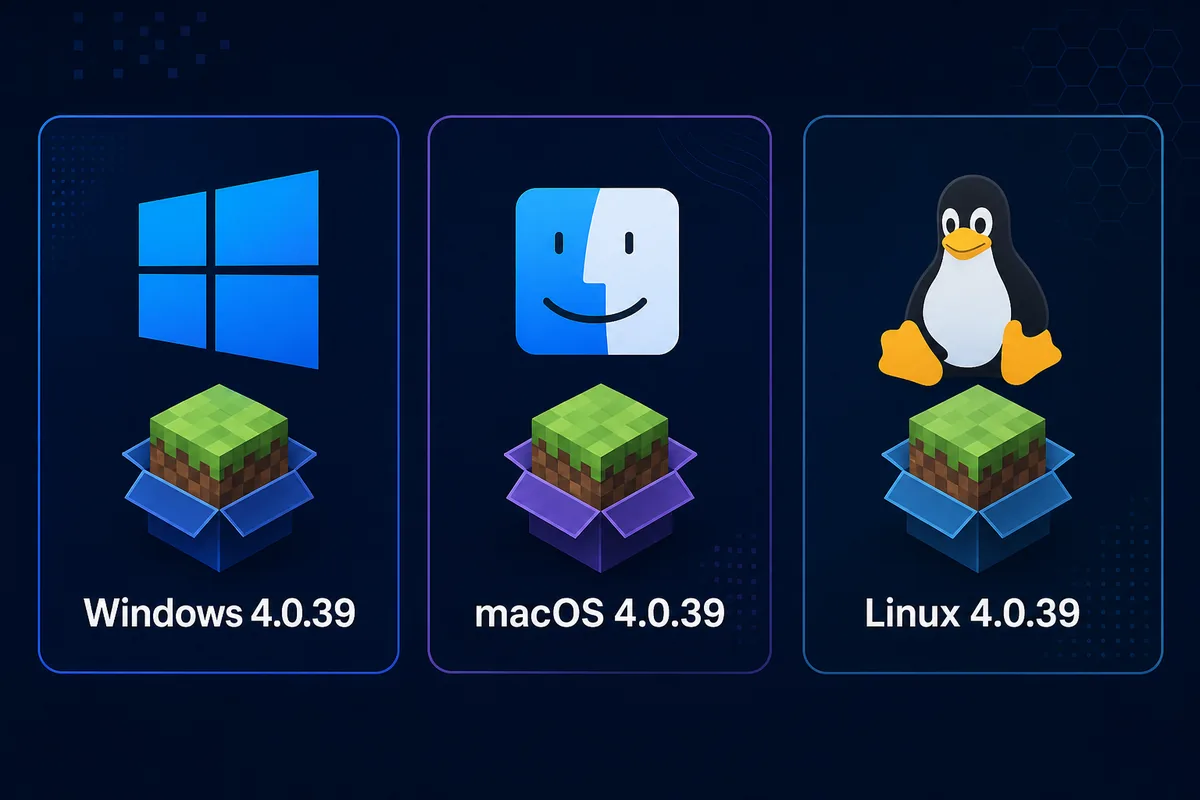
Why the numbers differ
Release notes describe code changes, while packages may roll out gradually or differ by operating system. Recheck the official platform card immediately before downloading.
SKlauncher 4.0 Beta vs stable 3.2.18
Choose stable 3.2.18 for the established interface and the verified files documented on the SKlauncher download page. Choose 4.0 Beta only when you want to test its rebuilt instance workflow, integrated Modrinth and CurseForge browsing, automatic Java handling and newer interface—and you accept regressions.
The beta guide has a separate intent from the stable homepage. It should not replace the primary stable download, checksum or platform instructions.
- Stable 3.2.18 is better for a predictable daily setup.
- Beta 4.0 is better for testing new library, modpack and instance features.
- Neither channel provides an official Android APK or Bedrock launcher.
- Back up Minecraft worlds and launcher instances before switching.
How to download SKlauncher 4.0 Beta from the official source
Start at the first-party beta page, select Beta, choose Windows, macOS or Linux, and read the version, architecture and approximate size printed on that card. This guide links to official pages rather than inventing universal direct links or hashes.
If the card remains on Checking, use a current browser, disable aggressive script blocking for the first-party page, or follow the stuck download troubleshooting guide.
Open the official page
Confirm the hostname is next.skmedix.pl before continuing.
Choose the platform
Do not mix Windows Setup, macOS Apple Silicon or Linux AppImage packages.
Record the displayed build
Note version, architecture and approximate size.
Back up before first launch
Copy important worlds and instance folders outside the launcher data directory.
Read the changelog
Check Java, migration, GPU and platform notes newer than your package.
No unofficial direct links
If a platform card is unavailable, wait or use stable 3.2.18. Do not substitute a random mirror, APK or repack.
What changed in the newest beta releases?
The v4.0.43 release is the current official package set in this guide. It improves instance switching, skins, updater behavior, resource-pack handling and library navigation; feature behavior can still vary by operating system, so keep a stable 3.2.18 profile for rollback.
A beta update can solve one platform problem while introducing another. Read the current first-party notes and verify the platform card immediately before installation.
- Review Java changes before launching older or modded profiles.
- Check Apple Silicon notes when playing older Minecraft on Mac.
- Check dedicated-GPU notes if 4.0 performs worse than 3.2.
- Re-test mod loaders after each beta update.
Safe migration and rollback checklist
Before importing anything, identify your game directory, instance location, account method, Java selection and mod-loader versions. Copy complete world folders—not only screenshots or seed values—to storage outside the launcher data directory.
Import one low-risk copied instance first. Confirm its Minecraft and Java versions, close the game, verify saves, and keep stable 3.2.18 installed until the beta passes several normal play sessions.
- Back up worlds, screenshots, resource packs and custom configs.
- Record Minecraft, Fabric/Forge/NeoForge/Quilt and Java versions.
- Test one copied instance before importing the main library.
- Keep the stable installer and original data until rollback is unnecessary.
Java and game versions are separate
The launcher beta, Minecraft, mod loader and Java runtime use different version numbers. Check the Minecraft version guide and Java requirements.
Known limitations and when to stay on stable
Stay on stable if you need an unchanged daily launcher, depend on a specific workflow, cannot tolerate re-downloading runtime components, or do not have a verified backup. Beta testing is also a poor choice immediately before a multiplayer event or deadline.
SKlauncher 4.0 Beta is not an official Android package and does not provide Minecraft Bedrock Edition. It remains a desktop Java Edition launcher.
Practical verdict
Try 4.0 Beta for the new interface and integrated content workflow, but keep stable 3.2.18 until your real instances, Java versions, mods and worlds work reliably.
Who should use SKlauncher 4.0 Beta?
Use the beta when your goal is deliberate testing, not merely finding the normal SKlauncher download. Its value is early access to rebuilt tools; its cost is frequent change and platform-specific package differences.
- Use official first-party pages only.
- Verify the platform card immediately before download.
- Back up before migration.
- Keep stable 3.2.18 ready for rollback.
SKlauncher 4.0 Beta FAQ
What is the latest SKlauncher 4 version?
The official GitHub release page lists v4.0.43, published August 5, 2026. The Windows web setup direct asset was checked with HTTP 200; macOS and Linux use the official release page fallback because their file checks timed out in this environment.
Is SKlauncher 4.0 Beta stable?
No. It is early access. Use stable 3.2.18 for a more predictable daily launcher.
Where can I download SKlauncher 4.0 Beta?
Use the first-party page at next.skmedix.pl/downloads and select your platform. This site does not invent direct links or hashes.
Can I keep stable 3.2.18 and the beta?
Yes. Separate installations and data are safer than sharing the only copy of an important world.
Does the beta support modpacks?
The official pages advertise integrated Modrinth and CurseForge browsing. Compatibility still depends on Minecraft, loader and pack versions; see the modpack guide.
Is there an Android APK?
No official Android APK is listed. Official beta packages cover Windows, macOS and Linux desktops.
Sources and verification
This guide uses current first-party information checked on August 13, 2026.
Official SKlauncher stable downloads Official SKlauncher 4.0 beta downloads Official SKlauncher beta changelog Official migration documentation