
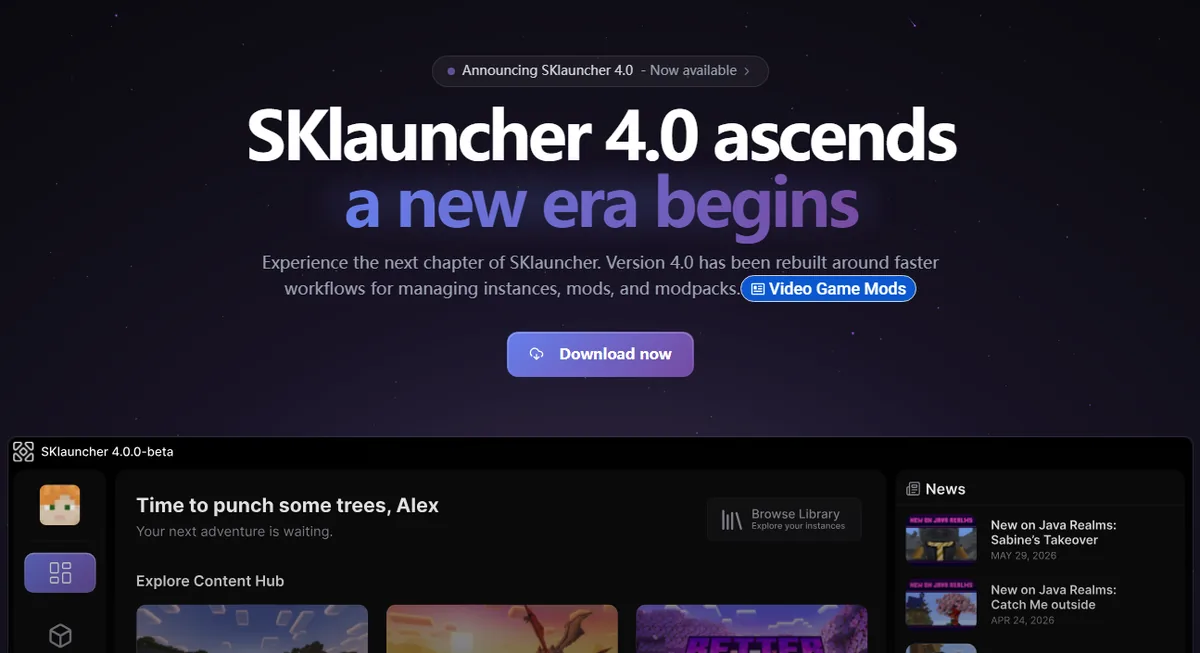
Can SKlauncher join Minecraft servers?
Yes. SKlauncher can start Minecraft Java Edition for multiplayer, and the current SKlauncher 4 site advertises an integrated server browser. You may browse a listed server or add a hostname such as play.example.net in Minecraft's Multiplayer menu. SKlauncher is the launcher layer; the actual connection is made by the Minecraft client started from the selected instance.
The launcher does not make every server compatible. The instance must use the Minecraft version the server accepts. Modded servers can also require the same loader, modpack and configuration. Public servers decide whether Microsoft authentication is required, whether offline-mode clients are accepted, and which behavior or account rules apply. This guide does not provide cracked-server lists or account bypasses.
- Use the exact hostname and port published by the server operator.
- Match the server's Minecraft edition and game version.
- Use a clean vanilla instance first when compatibility is unclear.
- Install only the loader and modpack explicitly required by the server.
Java Edition only
SKlauncher is a desktop Java Edition launcher. A Bedrock server needs a Bedrock client unless that server deliberately runs a compatible cross-play bridge.
Browse servers in SKlauncher 4
The SKlauncher 4 homepage describes a built-in server browser with live player counts and filtering. Open the server area in the launcher, review the server's description and supported version, then create or select an instance that matches. Treat a browser listing as discovery, not as a guarantee that the server is trustworthy, available or suitable for your account.
Before joining, read the server's official rules and website. Check whether it is vanilla, Fabric, Forge, NeoForge or a complete modpack. A server can appear online but reject your client because the game version, loader or required mods differ. Keep important worlds and credentials separate from third-party servers, and never enter a Microsoft password into a server chat, mod dialog or unofficial launcher page.
Open the server browser
Use the server section available in your SKlauncher 4 build.
Read the compatibility details
Record the Minecraft version, loader, required modpack and authentication policy.
Prepare a matching instance
Create an isolated profile instead of changing a working singleplayer or modpack installation.
Launch and join
Start Minecraft, open Multiplayer and use the listed address or the server entry created by the launcher.
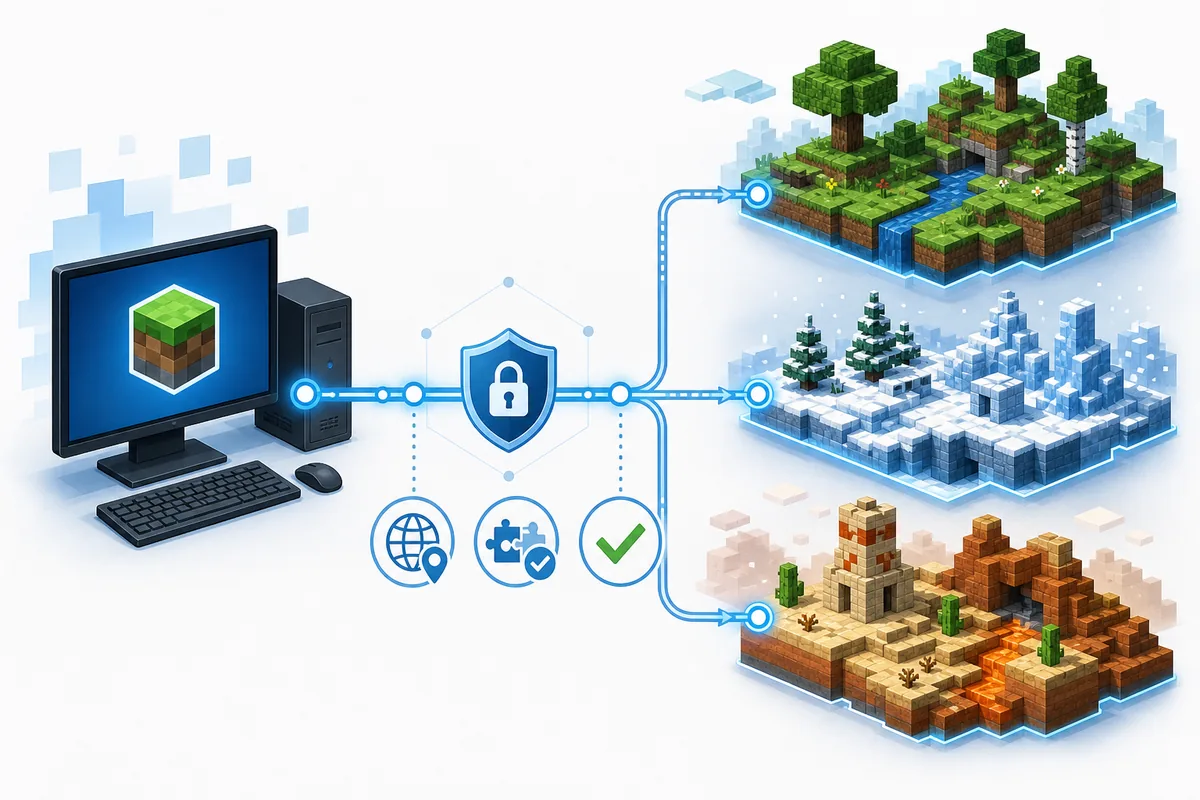
Add a server address manually
If a server is not in the browser, obtain its address from the operator's official website, documentation or community announcement. Start the correct instance, choose Multiplayer, select Add Server, enter a recognizable local name and paste the exact address. The default Java Edition port is commonly 25565, but operators can use another port; include it only when the published address requires one.
Do not copy addresses from random server-list mirrors without verifying the operator. Similar names can lead to impersonation, unwanted downloads or servers with different rules. If the server supplies a resource pack, Minecraft should ask before applying it. A resource pack is not the same as an executable installer, mod JAR or launcher update.
Verify the source
Use the server operator's official page or invitation.
Open the matching instance
Confirm Minecraft, loader and modpack versions before launch.
Add the address
In Multiplayer, choose Add Server and enter hostname plus port when required.
Test once before customizing
Join with the required files only, then add optional client-side mods one at a time.
| Address example | Meaning | What to enter |
|---|---|---|
| play.example.net | Default or DNS-managed port | Enter the hostname as published |
| play.example.net:25570 | Custom Java server port | Keep the colon and port number |
| 192.168.1.50:25565 | Local network address | Use only on the same trusted LAN |
| bedrock.example.net:19132 | Usually a Bedrock endpoint | Do not assume Java Edition compatibility |
Do not publish a private LAN address
Addresses beginning with 192.168.x.x, 10.x.x.x or 172.16–31.x.x normally work only inside the local network and should not be treated as a public server address.
Match Minecraft version, loader, mods and account
Most failed joins are compatibility failures rather than launcher failures. A server running Minecraft 1.21.1 may reject a 1.21.4 client. A Fabric server can require Fabric API and a defined set of mods; a Forge or NeoForge server requires its own compatible loader line. When a server publishes a modpack, import that exact pack and version rather than assembling a similar-looking set of mods manually.
Authentication is a separate layer. The official SKlauncher 4 download copy describes Microsoft sign-in and offline mode for singleplayer and LAN. Public online servers may require a valid authenticated session. If Minecraft reports an invalid session, close the game and launcher, sign in again through the supported account flow, and relaunch. Never send account tokens, session files or passwords to a server administrator.
- Game version must match the range accepted by the server.
- Loader family and loader version must match when the server is modded.
- Required mods must have the correct client/server side and dependency versions.
- A whitelist, ban or account-policy rejection must be resolved with the server operator.
- A launcher update does not automatically update every Minecraft instance or modpack.
| Server type | Recommended SKlauncher instance | Common mismatch |
|---|---|---|
| Vanilla | Clean instance on the exact accepted game version | Wrong Minecraft version |
| Fabric | Fabric loader plus required Fabric mods | Missing Fabric API or dependencies |
| Forge / NeoForge | Matching loader branch and server mod set | Using the wrong loader family |
| Modpack | Exact published pack and pack version | Different config or mod version |
| LAN world | Same game version on the same network | Firewall or network isolation |
Fix SKlauncher server connection errors
Read the complete message before changing files. Connection refused often means the address is wrong, the server is offline or the port is closed. Timed out points toward routing, firewall, DNS or an overloaded server. Incompatible version and registry or mod-channel errors normally identify a game, loader or mod mismatch.
Create a clean comparison instance on the server's exact Minecraft version. If that joins, add the required loader and mods in documented order. If no instance can reach the server, test another known server or ask the operator for status information. Avoid deleting every launcher directory before preserving logs, screenshots, instance settings and world backups.
Confirm the address
Re-copy the hostname and custom port from the official source.
Confirm server status
Check the operator's status page or announcement before reinstalling anything.
Test a matching clean instance
Use the exact Minecraft version without optional mods.
Review account and network
Refresh the supported login, then inspect firewall, VPN, DNS and router restrictions.
Add required content only
Install the documented loader, dependencies and pack version; preserve the error log after each test.
| Message or symptom | Likely area | First check |
|---|---|---|
| Unknown host | DNS or spelling | Hostname and DNS connection |
| Connection refused | Server offline or closed port | Server status and port |
| Timed out | Network path or overload | Firewall, VPN and server status |
| Invalid session | Authentication | Close, sign in again and relaunch |
| Incompatible version | Minecraft version | Create the exact accepted version |
| Missing mods / registry mismatch | Loader or modpack | Use the published pack and dependencies |
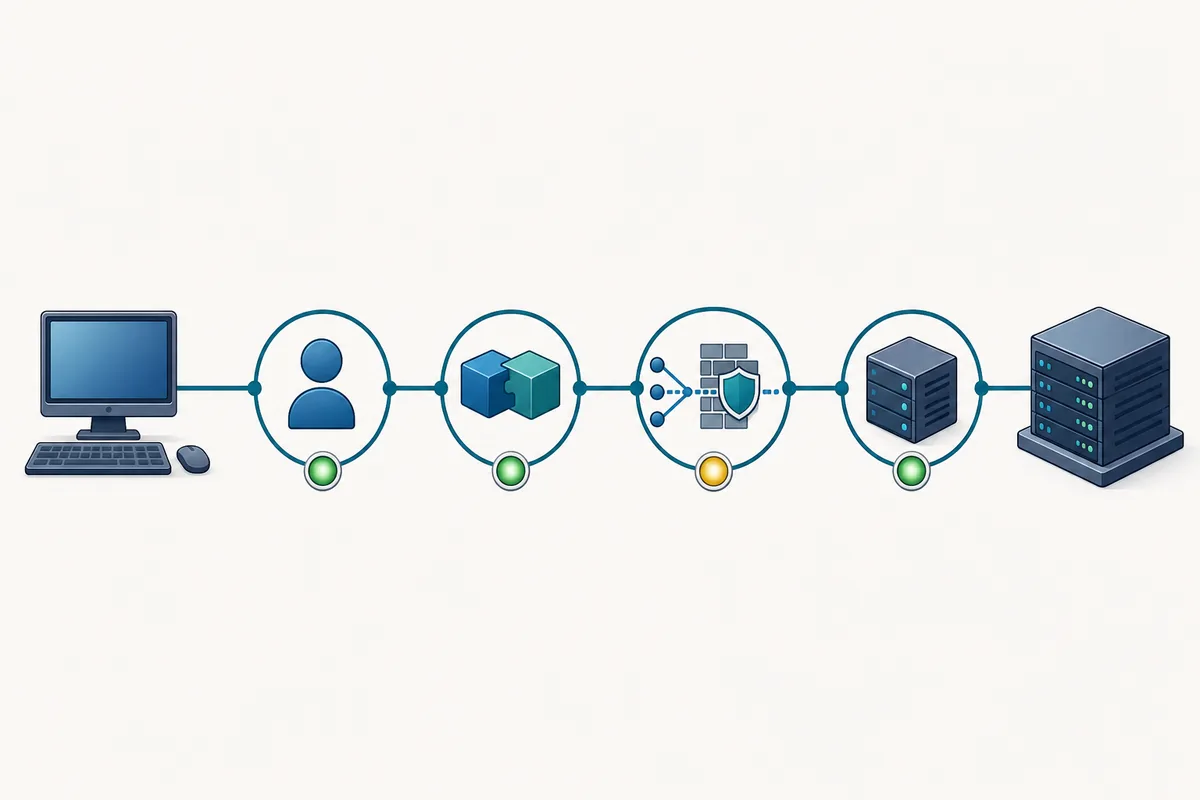
Keep the evidence
Save the exact error, latest.log, crash report, instance version and server address. Those details are more useful than saying only that multiplayer does not work.
Server safety, privacy and practical limits
A server browser is not a security certification. Use servers whose operator, rules, privacy practices and support channels you can identify. Keep chat reports, payment disputes and moderation issues with the server operator; SKlauncher cannot reverse a server ban or restore items stored on someone else's server.
Do not install a custom launcher, executable or browser extension merely to join a server unless you have independently verified the publisher and the requirement. Prefer a documented modpack from a recognized platform. Back up local worlds before testing server-required mods, and use a separate instance so server files do not alter your main setup.
- Never share Microsoft passwords, session tokens or recovery codes.
- Treat server shops, donations and ranks as transactions with that server, not with SKlauncher.
- Use age-appropriate servers and review chat or parental controls when needed.
- Report harassment, scams or malicious downloads through the server's official moderation channel.
- Leave a server that requires unrelated executables or disables reasonable security checks.
Best first test
Use a separate clean instance, join briefly, verify performance and rules, then decide whether to install optional client-side mods or keep the server saved.
SKlauncher server checklist
A reliable multiplayer setup is a chain: verified server address, matching Minecraft instance, correct loader and mods, supported authentication, working network path and an available server.
- Verify the operator and address.
- Match game and loader versions.
- Use a separate instance.
- Preserve the exact error and logs.
SKlauncher servers FAQ
Does SKlauncher have a server browser?
The current SKlauncher 4 homepage advertises an integrated server browser. Availability and menu names can vary by launcher build, so update through the official source and check the server section in your installation.
Can SKlauncher join any Minecraft server?
No. The server must support Minecraft Java Edition and accept your game version, loader, mods and authentication method. Bedrock endpoints and incompatible modpacks will not work automatically.
Can I use SKlauncher offline on public servers?
The official SKlauncher 4 download copy describes offline mode for singleplayer and LAN. Public online servers may require an authenticated Microsoft session and can reject offline-mode clients.
Why does SKlauncher say invalid session?
Close Minecraft and the launcher, sign in again through the supported account flow, then relaunch the correct instance. Do not share session files or tokens with a server operator.
Why can I join vanilla but not a modded server?
The server likely requires a specific loader, modpack, dependency set or configuration. Use the exact published pack version in an isolated instance instead of adding approximate mods manually.
Where do I enter a server IP?
Start the matching Minecraft instance, open Multiplayer, choose Add Server and enter the hostname plus port when the operator publishes a custom port.
Sources and verification
This guide uses current first-party information checked on July 30, 2026.
Official SKlauncher 4 homepage Official SKlauncher server documentation Official SKlauncher 4 downloads Minecraft Java multiplayer guide