
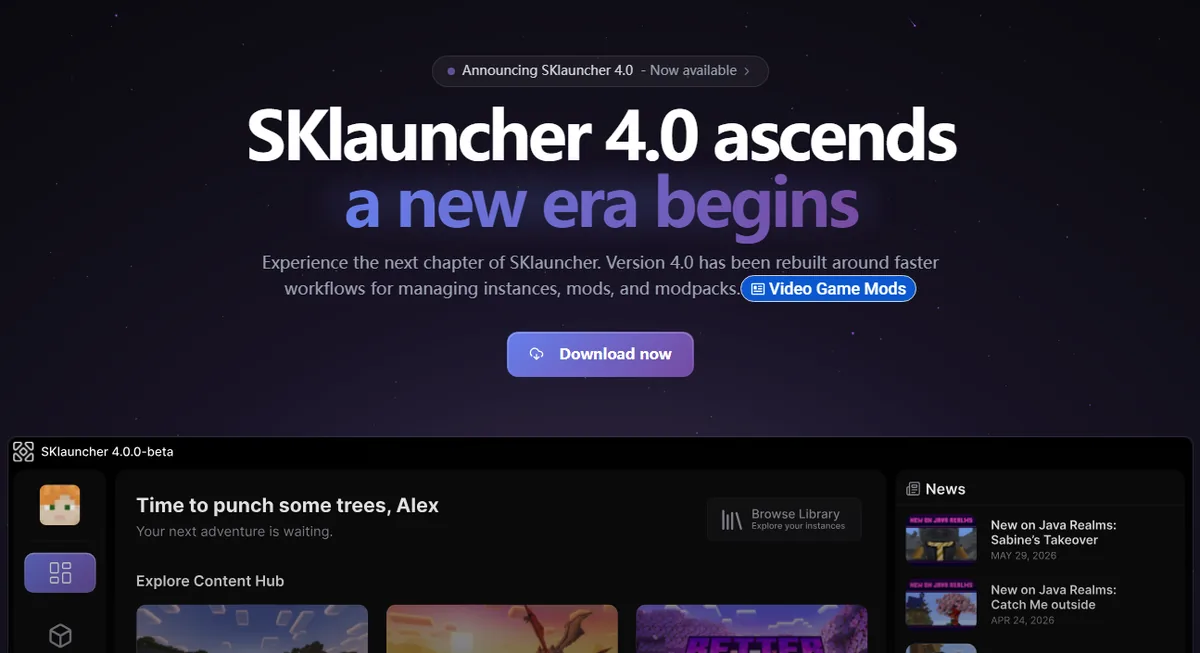
Is there an SKlauncher Bedrock download?
There is no verified SKlauncher Bedrock package. SKlauncher is built around Minecraft Java Edition profiles, Java runtimes, loaders and Java mod ecosystems. A file advertised as an “SKlauncher Bedrock APK,” “Bedrock port” or converted mobile build is not listed by the first-party SKlauncher download pages.
Do not confuse game ownership with launcher compatibility. The Minecraft PC bundle may give an eligible account access to both Java and Bedrock, but each edition still uses its own executable, runtime and multiplayer ecosystem. SKlauncher can manage the Java side only.
Direct answer
Use SKlauncher for Java Edition. Use the official Minecraft Launcher or Microsoft distribution path for Bedrock Edition.
Why SKlauncher cannot launch Bedrock Edition
Java and Bedrock are separate game clients. Java Edition runs Java-based game files and supports loaders such as Fabric, Forge and NeoForge. Bedrock uses a different codebase, package system, update channel and add-on model. A Java launcher cannot turn a Java profile into a Bedrock installation by changing a version selector.
That separation also explains why Java mods, shader loaders and modpacks do not install into Bedrock through SKlauncher. Bedrock add-ons and Marketplace content follow Bedrock-specific rules and locations.
| Question | SKlauncher / Java | Bedrock Edition |
|---|---|---|
| Launcher | SKlauncher or another Java launcher | Official Minecraft Launcher / platform store |
| Runtime | Java runtime | Native Bedrock client |
| Mods | Fabric, Forge, NeoForge and Java mods | Bedrock add-ons / Marketplace content |
| Cross-play | Java servers and Java players | Bedrock-supported devices and servers |
Where should you download Minecraft Bedrock Edition?
On Windows, start with the official Minecraft download page or Microsoft Store flow and sign in with the Microsoft account that owns the game. Do not download a renamed EXE, ZIP or APK from a launcher mirror simply because its title includes SKlauncher and Bedrock.
macOS and Linux do not receive a native desktop Bedrock client through SKlauncher. Platform availability changes, so verify the current device options on the official Minecraft page instead of assuming a Java JAR can install Bedrock.
Check ownership
Sign in to the official Minecraft or Microsoft account page and confirm which edition your account can install.
Use the official device path
Install Bedrock from the official Minecraft Launcher, Microsoft Store or the supported console/mobile store for that device.
Keep Java separate
Install SKlauncher only for Java Edition profiles, then follow the SKlauncher installation guide.
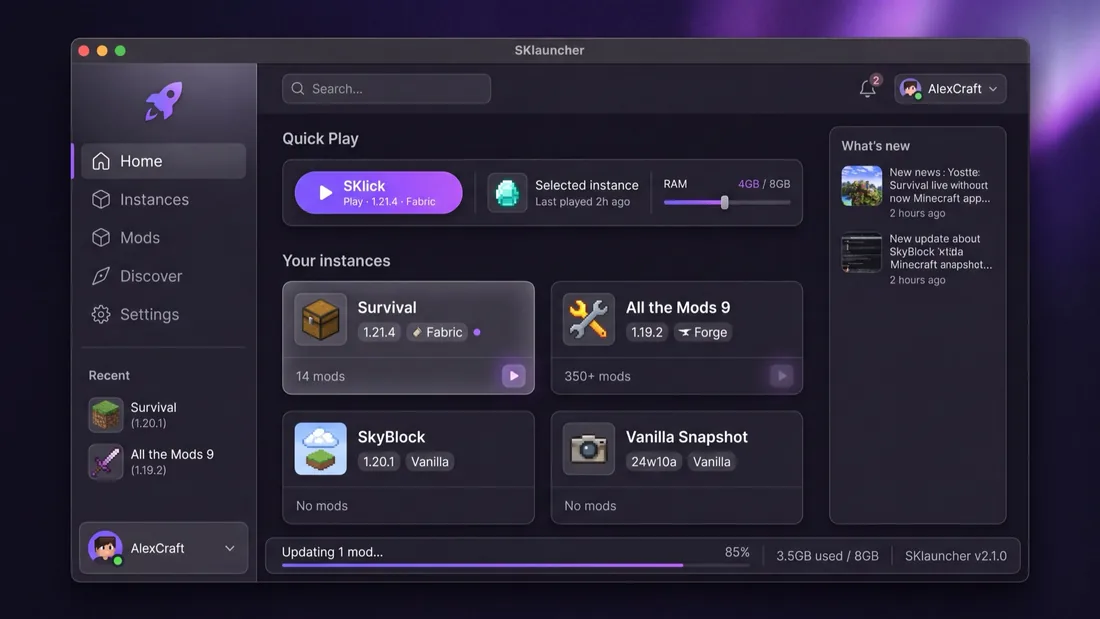
How to spot fake SKlauncher Bedrock files
The highest-risk result is a third-party page promising an SKlauncher Bedrock APK, mobile port, cracked account bundle or all-editions installer. The first-party SKlauncher pages provide desktop Java-launcher channels; they do not verify an Android Bedrock package.
Before opening any launcher file, check the hostname, platform, version and file type. The stable SKlauncher 3.2.18 JAR was rechecked on July 23, 2026 at the first-party binary URL; that verification does not validate unrelated Bedrock-branded files.
- Reject APK claims that are not linked by the official SKlauncher site.
- Do not enter Microsoft credentials into a launcher mirror or password seller.
- Do not treat a filename, logo or antivirus screenshot as proof of first-party origin.
- Prefer official store pages when no stable direct file can be verified.
Can Java and Bedrock players play together?
Java and Bedrock do not normally join the same server directly. Some server owners install a compatibility layer such as Geyser to accept Bedrock connections on a Java server, but that is a server-side configuration—not a Bedrock mode inside SKlauncher.
If a server advertises cross-play, follow that server’s exact address, port, account and version instructions. SKlauncher users still connect as Java clients, while Bedrock users connect through a supported Bedrock client.
Important limit
Cross-play middleware can bridge some servers, but it does not install Bedrock Edition or make Java-only mods work on Bedrock.
Which launcher should you use?
Choose SKlauncher when you want Java Edition profiles, Java version management, Java mod loaders or Java modpacks. Choose the official Minecraft/Microsoft path when you want Bedrock multiplayer, Marketplace content or play across Bedrock-supported consoles and mobile devices.
If your real goal is choosing a Java game version, use the SKlauncher Minecraft version guide. If you are unsure what the free launcher includes, read the SKlauncher cost and license guide.
Keep the two editions in separate installation folders and avoid copying Java mods, loader files or launcher configuration into a Bedrock directory. Back up worlds before changing clients, confirm that a world format is supported by the edition you plan to open, and never test a converted copy without preserving the original. If you switch between Java and Bedrock regularly, label shortcuts clearly and verify the account shown before joining a server or purchasing content.
Bottom line
SKlauncher does not provide a Bedrock Edition download. It manages Minecraft Java Edition; Bedrock must come from an official Minecraft, Microsoft or supported platform store path.
- No official SKlauncher Bedrock APK or desktop package was found.
- Owning both PC editions does not merge their launchers or mod systems.
- Use official download pages and keep Java and Bedrock installations separate.
- Treat cross-play as a server feature, not a launcher conversion.
SKlauncher Bedrock FAQ
Can SKlauncher run Minecraft Bedrock Edition?
No. SKlauncher manages Minecraft Java Edition profiles and does not launch the native Bedrock client.
Is there an SKlauncher Bedrock download or APK?
No first-party SKlauncher Bedrock package or Android APK is listed. Use the official Minecraft or platform store download for Bedrock.
If I own Java and Bedrock for PC, can I open both in SKlauncher?
No. Account ownership may include both editions, but SKlauncher handles the Java side only. Bedrock uses its official client.
Can SKlauncher Java players join Bedrock players?
Not directly in normal play. A server may use compatibility software such as Geyser, but SKlauncher remains a Java client.
Can I install Bedrock mods in SKlauncher?
No. Java loaders and mods are different from Bedrock add-ons and Marketplace content.
Where is the safest place to download Bedrock?
Use the official Minecraft download page, Microsoft Store, or the supported console/mobile store for your device.
Sources and verification
This guide uses current first-party information checked on July 23, 2026.
Official SKlauncher downloads Official SKlauncher 4.0 downloads Official Minecraft downloads Minecraft Java & Bedrock Edition for PC