
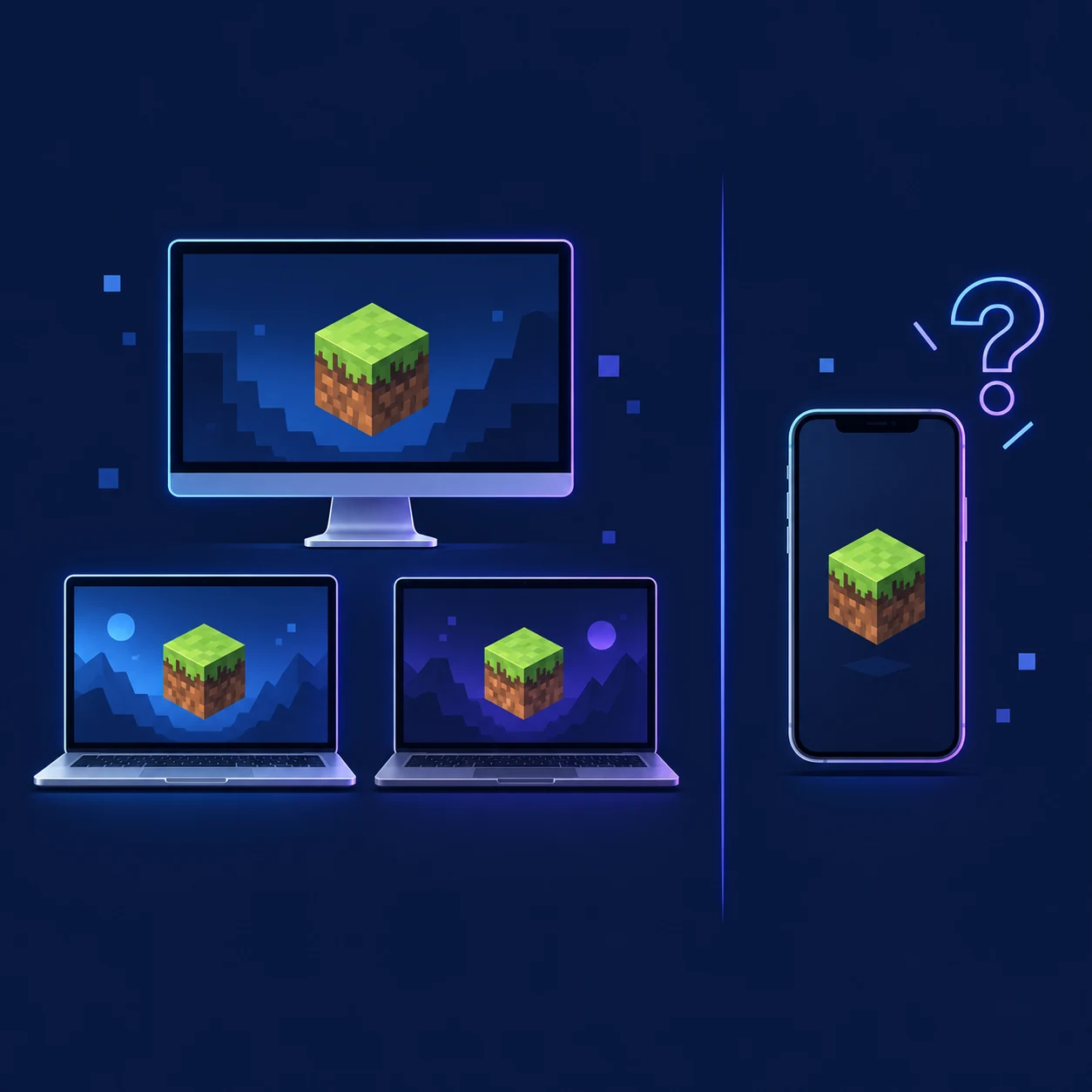
Is there an official SKlauncher APK download?
At the time of this check, no verified Android APK download is listed on the official SKlauncher pages. Those pages present SKlauncher as a desktop Minecraft Java Edition launcher with Windows, macOS and Linux builds. A search result named “SKlauncher APK” is not official evidence just because it uses the brand name.
An APK is an Android package, while SKlauncher’s published files belong to desktop Java workflows. For the query “SKlauncher APK download,” the safe answer is to verify the first-party platform list, keep the desktop route separate from Minecraft mobile, and leave an unlinked APK uninstalled.
Short answer
The official SKlauncher pages checked on September 18, 2026 do not list a verified Android APK. Use SKlauncher for its supported desktop Java platforms and use the official Minecraft store path on Android.
What the official SKlauncher pages actually show
Begin with the publisher’s own download page, not a search result. The current page groups SKlauncher files around Windows, macOS and Linux, while the official documentation explains Minecraft Java Edition, Java runtimes and desktop profiles. That product boundary is different from an Android package catalog.
The page checked on September 18, 2026 showed desktop 3.2.18 and a 4.0 beta channel. Those labels describe desktop files only. If a mirror advertises Android, call the package unverified unless a first-party page links to that exact file.
| Question | Verified first-party answer | What not to assume |
|---|---|---|
| Which platforms are listed? | Windows, macOS and Linux desktop builds | A separate Android build exists because a mirror says so |
| What edition does the launcher target? | Minecraft Java Edition profiles | It can install the native mobile client |
| Where should a file be linked from? | The official SKlauncher download page | A countdown page, file mirror or APK catalog |
| What does a version number prove? | Only the named platform artifact when tied to the source | That an unrelated APK is current or authentic |
Why an SKlauncher APK claim needs extra caution
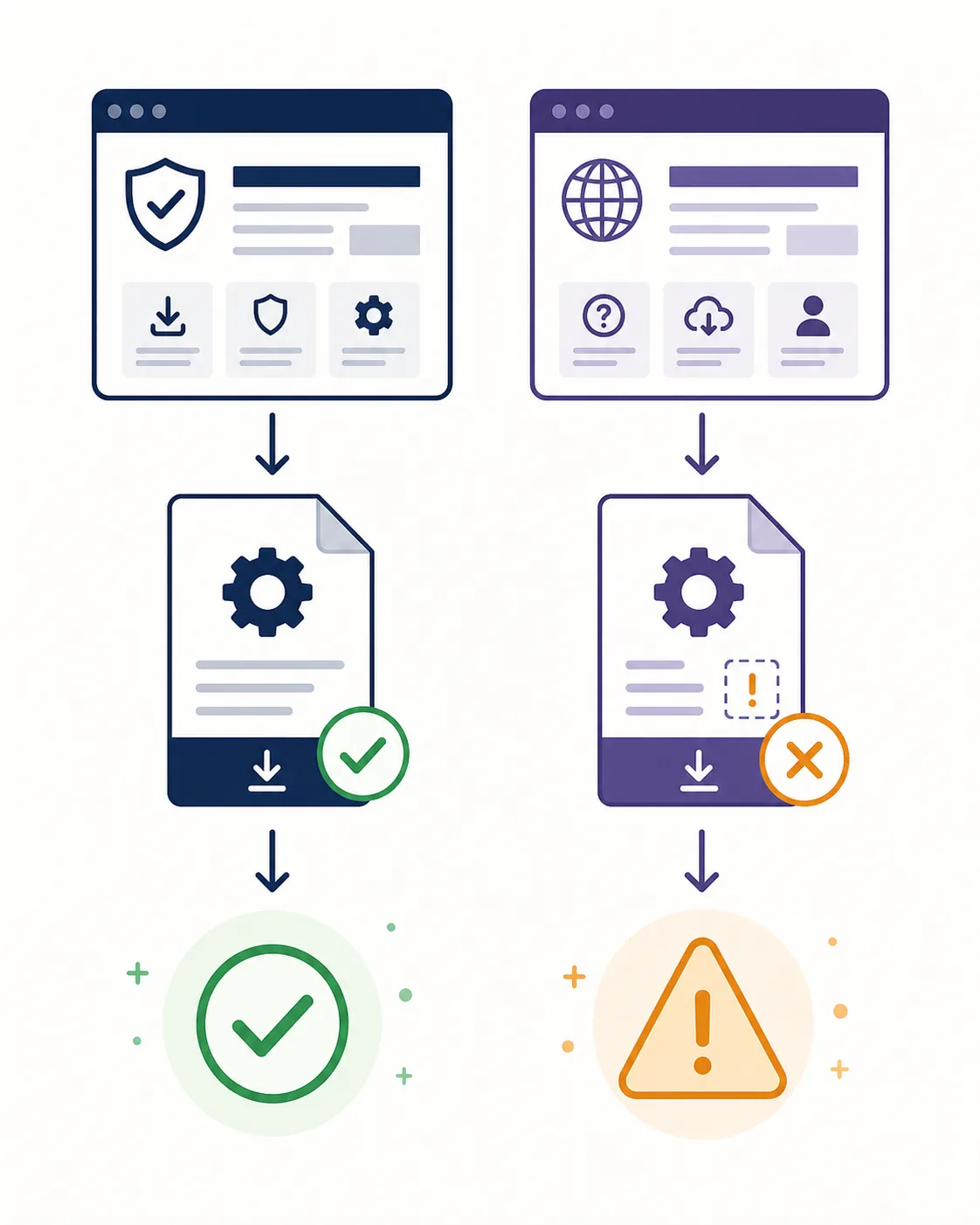
An Android APK page can combine a real product name with an unrelated file: an old experiment, unofficial port, ad wrapper or modified game client. A green scan badge does not prove who built the package, whether it is current or whether its permissions make sense.
Never enter Microsoft credentials into an unverified APK, disable Android security or install a second “fix” app. A fake file can expose accounts, install unwanted software or make a world harder to recover. If the official publisher does not link the package, do not label it as an official SKlauncher APK.
- Reject a mobile download that is not linked from a first-party SKlauncher page.
- Do not enter Microsoft credentials into a mirror, unlock page or APK catalog.
- Treat unexpected permissions, secondary installers and forced security changes as stop signals.
- Do not use a filename, icon or antivirus screenshot as proof of publisher identity.
- If you already opened a suspicious file, disconnect sensitive accounts and follow your device’s security recovery guidance.
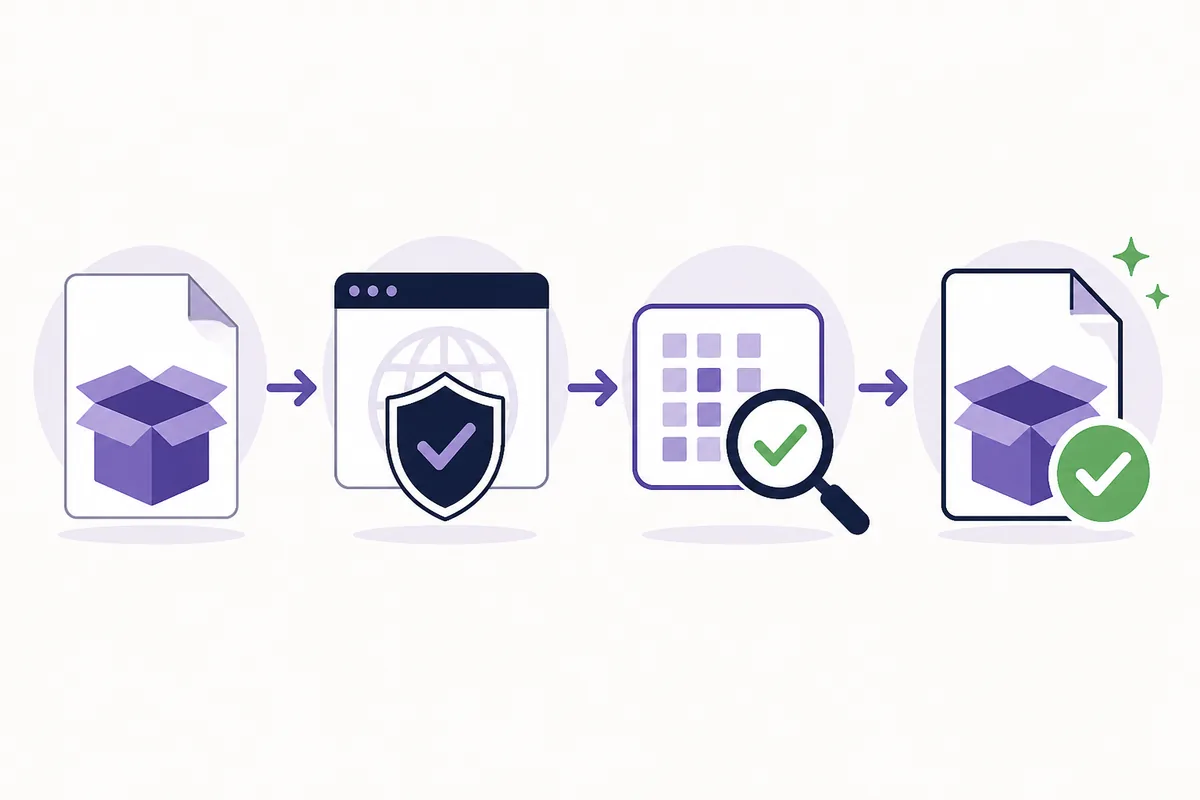
Do not confuse scan results with origin
A scan result can be one piece of evidence about one file. It does not prove that a third-party APK is published by SKlauncher or that a different file is safe.
How to verify an APK claim without guessing
You do not need to reverse-engineer a file. Use a short source audit: confirm that the package is linked by the publisher, matches the target platform and has a release trail another reader can reproduce. If the official link is missing, stop before the large download button.
Open the first-party source
Type or bookmark the official SKlauncher domain and open its download page directly. Do not begin with a shortened link, a pop-up or a mirror that claims to host the file.
Read the platform list
Confirm whether Android is actually named. The current official list covers Windows, macOS and Linux, so an APK page needs separate first-party evidence before it can be trusted.
Match the file type
A Java desktop file, installer or archive is not an Android package. Do not accept a renamed file or a bundle that changes the expected extension without an official explanation.
Check the publisher trail
Look for an official release note, documentation page, repository or store listing that links back to the same package. If the trail ends at a mirror, keep the status unverified.
Protect accounts and data
Never provide credentials or disable device protections to complete an APK install. Back up important Minecraft data and use official support or device security guidance if a suspicious file was opened.
What to use on Android instead
For Minecraft on an Android phone or tablet, follow the official Minecraft distribution and store path for that device. It is a mobile Bedrock route, separate from SKlauncher’s desktop Java profile manager. Start from an official listing, check the publisher and keep credentials inside the normal platform sign-in flow.
If you want to reach a Java server from mobile, ask the server owner about edition and cross-play support. Installing an APK called SKlauncher does not solve a client or server compatibility problem.
- Use the official Minecraft page or the supported mobile store for Android installation.
- Check the publisher, package name, permissions and update history before installing.
- Keep mobile Minecraft data and desktop Java profiles in separate backup routines.
- Ask a server owner about edition and cross-play support instead of installing a random launcher.
| Your goal | Safer route | Relevant SKlauncher boundary |
|---|---|---|
| Play Minecraft on an Android phone | Official Minecraft mobile listing | SKlauncher is not the verified Android package |
| Manage Java profiles on a desktop | Official SKlauncher desktop download | Use the Windows, macOS or Linux guide |
| Join a cross-play server | Follow the server’s supported client instructions | Cross-play is a server feature, not an APK promise |
| Install Java mods or modpacks | Use SKlauncher on a compatible desktop Java setup | Do not copy Java files into a mobile Bedrock install |
If you meant the desktop SKlauncher download
Many APK searches are really attempts to find SKlauncher on a laptop. Use the platform page that matches your computer: Windows, macOS or Linux. After verification, the installation guide covers Java 21, profiles and loaders; the download troubleshooting guide covers a stalled button.
For Java runtime questions, use the Java requirements guide. Keeping the filename, platform, version and source together makes later troubleshooting easier than switching to a faster-looking mirror.
| Device | Start here | Next step |
|---|---|---|
| Windows | SKlauncher Windows download | Install the matching desktop file and verify the source |
| macOS | SKlauncher macOS download | Review the macOS launch and security prompts |
| Linux | SKlauncher Linux download | Use the Java and desktop permissions guidance |
| Android | Official Minecraft mobile route | Do not substitute an unverified SKlauncher APK |
Use the right page
A desktop Java launcher page and an Android game listing answer different questions. Choosing the platform first prevents most false APK downloads.
Bottom line
The official SKlauncher sources checked on September 18, 2026 do not list a verified Android APK. SKlauncher is presented as a desktop Minecraft Java Edition launcher for Windows, macOS and Linux. Use the official Minecraft route on Android and do not install a third-party file just because its name includes SKlauncher.
- No verified official SKlauncher Android APK was listed by the first-party download pages checked.
- Desktop version labels do not validate an APK on another website.
- Use the publisher’s platform list, file type and release trail as your first checks.
- Keep Minecraft credentials and device security away from unverified mirrors.
- Use the matching Windows, macOS or Linux page for the desktop Java launcher.
SKlauncher APK FAQ
Is there an official SKlauncher APK download?
The official SKlauncher pages checked on September 18, 2026 did not list a verified Android APK. They list desktop Windows, macOS and Linux downloads.
Can I install SKlauncher on an Android phone?
Do not assume that a third-party APK is official. SKlauncher’s verified download path is for desktop Java platforms; use the official Minecraft mobile route for Android.
Is SKlauncher available on Windows, macOS and Linux?
Yes. The official download page currently presents desktop choices for Windows, macOS and Linux. Match the file to your operating system and follow the relevant setup guide.
What should I do with an SKlauncher APK mirror?
Leave it uninstalled unless a first-party SKlauncher page links to and identifies that exact package. Do not enter account credentials or disable device security to use it.
Does a Java launcher APK let me play Minecraft Bedrock on Android?
No. A desktop Java launcher is not the native mobile Bedrock client. Use the official Minecraft listing and platform path for Android.
Where can I download the desktop SKlauncher safely?
Start from the official SKlauncher download page, choose Windows, macOS or Linux, then compare the platform, version and file identity before opening it.
Sources and verification
This guide uses current first-party information checked on September 18, 2026.
Official SKlauncher downloads Official SKlauncher documentation Official Minecraft downloads SKlauncher safety guide on this site